

CCTV Site Documentation
Learn what every CCTV technician should document, including camera models, IP addresses, firmware versions, network details, maintenance records, and equipment lifecycle.
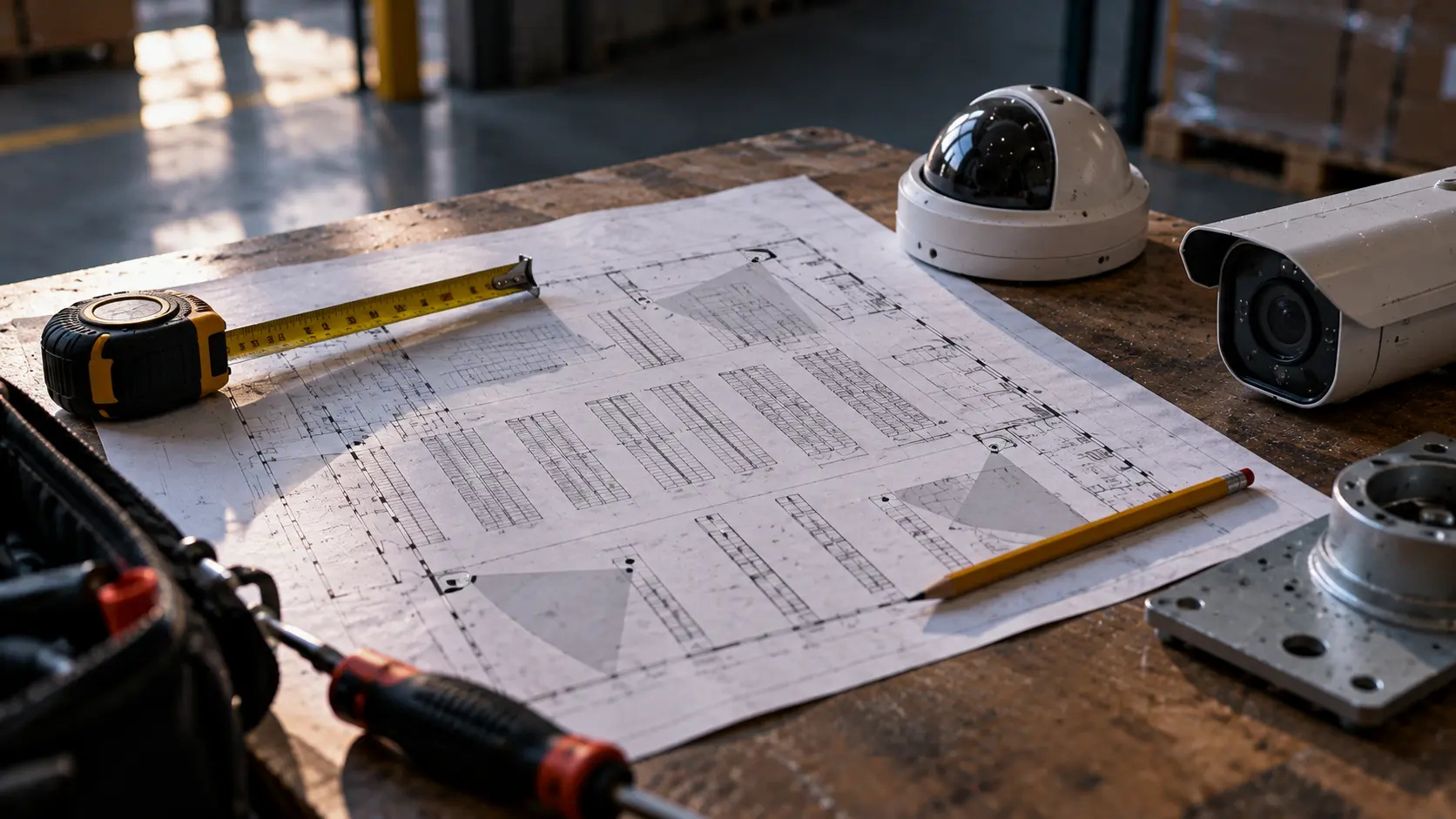
#CCTV Site Documentation: What Every Technician Should Record
#Key takeaways
- Every security installation should have an accurate inventory of installed equipment.
- Camera names and IP addresses alone are not sufficient for long-term maintenance.
- Firmware versions, hardware models, network details, and recording configuration should be documented.
- Site documentation must be updated when equipment is replaced or configurations change.
- Centralized documentation reduces troubleshooting time and improves maintenance planning.
A CCTV installation may work perfectly on the day it is commissioned. Two years later, a different technician arrives to replace a failed camera and discovers that nobody recorded the model, firmware, network configuration, or connection to the recording server.
The problem is not necessarily the equipment. It is the missing information.
Good site documentation should allow another qualified technician to understand the installation without rebuilding its history from scratch.
#What information belongs in a CCTV site inventory?
#Camera information
Every camera record should include:
- Manufacturer and exact model.
- Serial number and asset identifier.
- Camera name and physical location.
- IP address and relevant network information.
- Installed firmware version.
- Recording server or NVR association.
- Installation date, where known.
- Relevant lifecycle and warranty information.
Credentials should be stored in an approved secrets-management system, not in an unprotected equipment spreadsheet.
#Recording systems
Document the recording infrastructure separately from individual cameras.
Relevant information includes the VMS or NVR platform, software version, server details, storage configuration, recording policies, retention requirements, and backup arrangements.
For larger installations, network diagrams and system architecture are also important.
#Network information
Record the information needed to diagnose connectivity problems:
- VLANs and relevant IP subnets.
- Switch and PoE infrastructure.
- Routing and gateway configuration.
- Firewall dependencies.
- Remote-access architecture.
- Time synchronization sources.
Sensitive network information should be protected according to the customer's security requirements.
#Why is firmware documentation important?
A model number tells you what a camera is.
The installed firmware version helps establish what software it is actually running.
Both are necessary when investigating compatibility problems, known vulnerabilities, and manufacturer support.
If a security advisory affects only certain firmware versions, a list of camera models alone may not be enough to determine exposure.
#How should technicians document maintenance findings?
A useful maintenance record connects the finding to the affected asset.
For example:
| Field | Example |
|---|---|
| Asset | CAM-014 |
| Finding | Camera firmware requires review |
| Priority | Medium |
| Action | Check manufacturer advisory and approved update path |
| Status | Open |
| Verification | Pending technician confirmation |
The record should distinguish between an identified issue, a proposed action, and completed work.
That distinction becomes important during customer handovers and subsequent maintenance visits.
#What happens when a camera reaches end of support?
An unsupported camera does not necessarily stop working.
However, the manufacturer may no longer provide firmware updates, technical support, or replacement parts.
Document the support status, assess the associated risks, and plan replacement where appropriate.
Camera Compare can help evaluate potential alternatives using published specifications.
#How can Awernica support site documentation?
Awernica combines product information with a site-based equipment workspace.
Technicians can register equipment, associate devices with their locations, and maintain relevant technical information.
Site Review helps identify lifecycle, firmware, and missing-information findings.
Device Export provides export options for equipment information and documentation workflows.
Replacement Planning helps turn replacement recommendations into planned future work.
Awernica does not replace a VMS, access control platform, or network management system. It provides a separate layer for equipment information, planning, and technical follow-up.
#FAQ
#Is a spreadsheet sufficient for CCTV documentation?
For a small installation, a properly maintained spreadsheet may be sufficient. Across many sites, keeping device records, firmware versions, and maintenance findings synchronized becomes more difficult.
#Should every camera have a unique asset ID?
Yes. A stable identifier helps connect equipment to maintenance records, incidents, replacements, and documentation even when its IP address or camera name changes.
#How often should documentation be updated?
Whenever equipment, configuration, firmware, or other relevant site information changes. Periodic reviews can identify records that have become outdated.
#Should customer passwords be included in documentation?
Passwords and other secrets should be kept in an approved secure credential-management system with appropriate access controls.
#Can Awernica replace a customer's VMS?
No. Awernica supports product research, equipment records, lifecycle visibility, and related workflows. Recording, live video, and device control remain within the customer's operational systems.
Related posts
Security Camera Maintenance: What a Contract Should Cover
A practical guide to CCTV maintenance contracts, covering equipment scope, preventive inspections, response times, firmware, reporting, exclusions, and costs.
· 13 min
Hikvision Camera Firmware Update via NVR: Step-by-Step
Learn how to update Hikvision camera firmware through an NVR, including batch upgrades, firmware compatibility, troubleshooting failed updates, and verifying successful installations.
· 11 min
Firmware Management Across Multiple Sites
Learn how to track CCTV camera firmware across multiple customer sites, identify outdated devices, verify installed versions, and plan safer firmware maintenance without relying on spreadsheets.
· 3 min