

Firmware Management Across Multiple Sites
Learn how to track CCTV camera firmware across multiple customer sites, identify outdated devices, verify installed versions, and plan safer firmware maintenance without relying on spreadsheets.
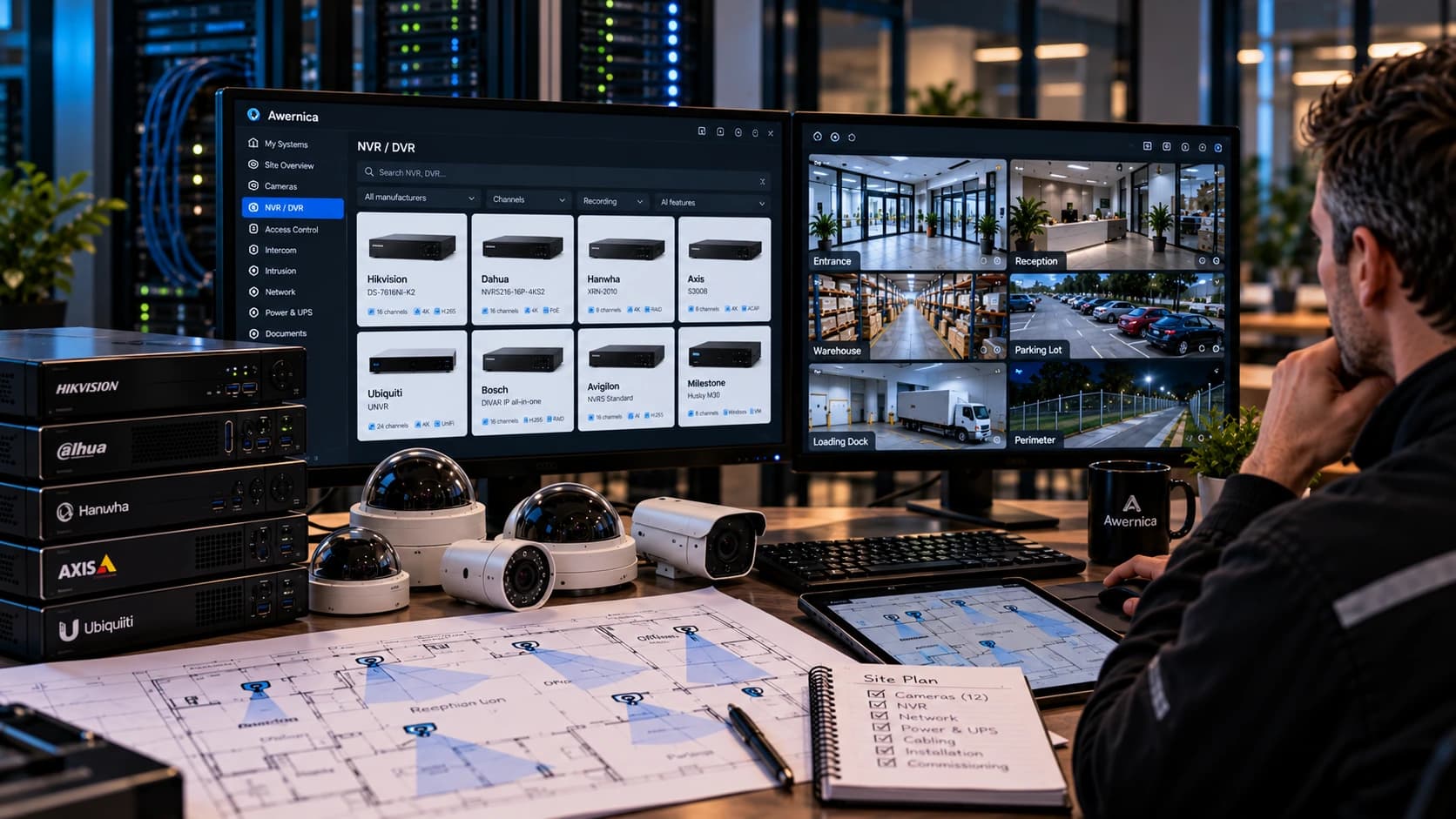
#How to Track Camera Firmware Across Multiple Sites
#Key takeaways
- Firmware management requires knowing what is installed, not just what the manufacturer has released.
- A current firmware download does not prove that a customer's camera is running that version.
- Hardware revisions, firmware branches, and regional restrictions can complicate updates.
- Every firmware update should be followed by operational verification.
- A centralized device inventory makes it easier to identify equipment requiring attention.
A technician responsible for 200 cameras across 20 customer sites faces a different problem from someone maintaining a single recorder.
Finding the latest firmware is usually straightforward. Knowing which customers need it, which devices support it, and whether previous updates were completed is considerably harder.
#Why does firmware tracking become difficult across multiple sites?
Each manufacturer maintains its own firmware distribution process.
A mixed installation might contain Axis, Hikvision, Dahua, Hanwha, and Uniview cameras.
That creates several independent sources of information.
The manufacturer knows which firmware has been published. The camera knows which firmware is installed. The technician needs to connect those two facts to the correct customer and site.
Without an accurate inventory, that relationship is easily lost.
#What information should you track for every camera?
| Field | Why it matters |
|---|---|
| Manufacturer | Identifies the relevant support source |
| Exact model | Determines firmware compatibility |
| Serial number | Helps identify the specific device |
| Hardware revision | May determine supported firmware |
| Installed firmware | Establishes the current state |
| Available firmware | Identifies potential updates |
| Last verification | Shows when the information was confirmed |
| Lifecycle status | Helps prioritize replacement planning |
The most important distinction is between reported firmware and verified installed firmware.
A spreadsheet populated six months ago is not proof of what is installed today.
#How often should camera firmware be checked?
There is no universal update interval suitable for every installation.
Security advisories, compatibility problems, manufacturer recommendations, and customer maintenance policies should determine the schedule.
A practical process is to review relevant firmware and security advisories regularly, evaluate the impact, test updates where appropriate, and document the rollout.
Do not automatically install every new release on every production camera.
#How should you verify a firmware update?
After installing firmware:
- Confirm the reported firmware version.
- Verify that the device reconnects.
- Check live video and recording.
- Test important analytics and integrations.
- Record the completed update and any deviations.
For critical installations, test the update on representative equipment before a wider deployment.
#How can Awernica help?
Awernica Workspace links registered equipment to product information in its catalog.
Firmware Verification records which firmware has been confirmed as installed, who verified it, and when.
Firmware Bundle brings together available official firmware and support references for equipment registered on a site.
Site Review helps organize findings and follow-up tasks.
These functions support the documentation and planning process. They do not remotely interrogate or update customer cameras.
#FAQ
#Can a camera have outdated firmware and still work correctly?
Yes. A camera can continue operating on older firmware. Whether an update is necessary depends on security exposure, known defects, compatibility, and manufacturer support.
#Does newer firmware always mean better security?
Not automatically. Check release notes and relevant advisories. A newer release may address specific issues but can also introduce compatibility changes.
#Can firmware versions be verified without connecting to the camera?
Existing documentation can indicate the expected version, but confirming the actual installed version requires a reliable device-side source or a supported management system reporting it.
#Can Awernica install firmware?
No. Firmware installation remains the responsibility of the manufacturer's supported tools and procedures.
Related posts
Security Camera Maintenance: What a Contract Should Cover
A practical guide to CCTV maintenance contracts, covering equipment scope, preventive inspections, response times, firmware, reporting, exclusions, and costs.
· 13 min
Hikvision Camera Firmware Update via NVR: Step-by-Step
Learn how to update Hikvision camera firmware through an NVR, including batch upgrades, firmware compatibility, troubleshooting failed updates, and verifying successful installations.
· 11 min
CCTV Site Documentation
Learn what every CCTV technician should document, including camera models, IP addresses, firmware versions, network details, maintenance records, and equipment lifecycle.
· 3 min